The new layout allows visitors to quickly and easily move around the site, move within sections, and jump directly to specific content on a page.
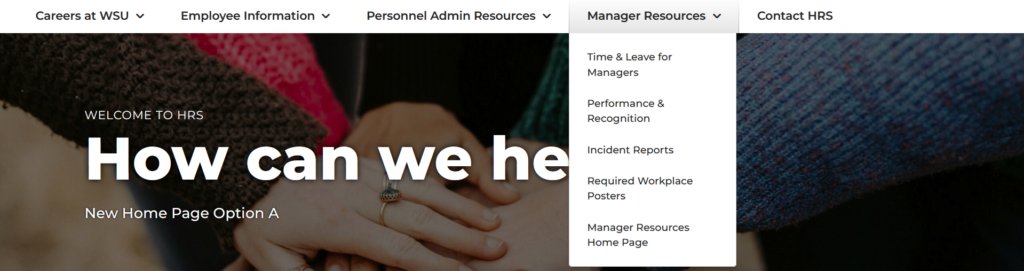
Horizontal Nav
Purpose: Navigate around the site
This nav stays the same on every page and enables visitors to move around the site and jump to important pages quickly. Categorized by audience and the most popular/important pages for each audience.
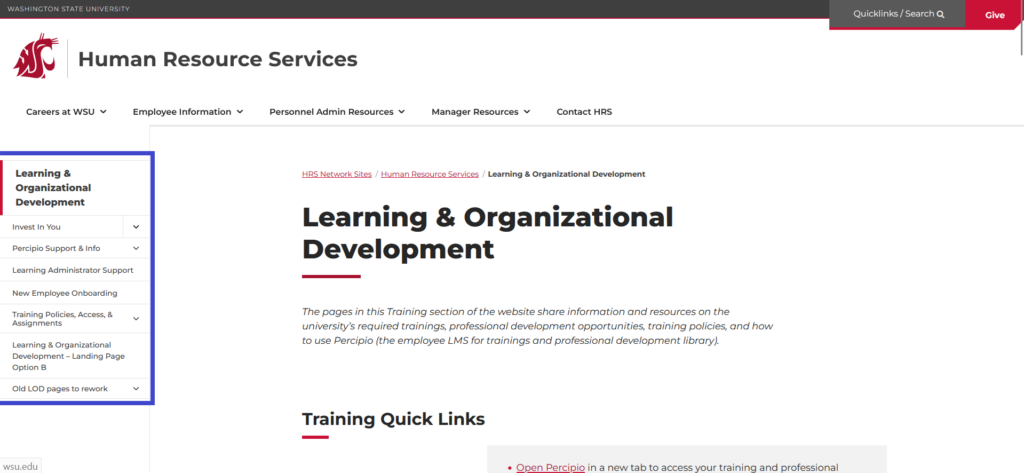
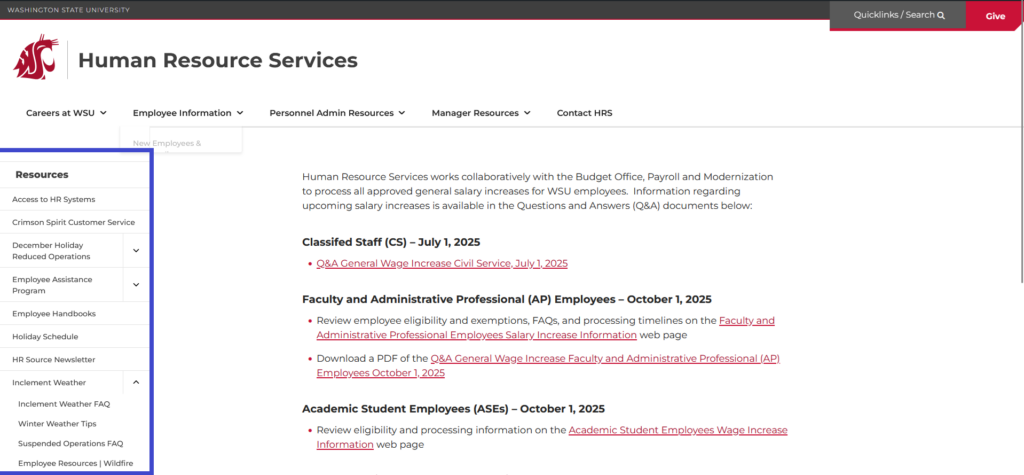
Left Hand Nav
Purpose: Navigate within the section
The left hand nav changes based on the website section you are in. For example, when on an LOD page, the nav only shows the LOD pages. When on an MLA page, the nav only shows MLA pages.
This makes it easy to find pages within the unit’s section and make sit clear which section the visitor is in.
The left hand nav does not appear on the home page.
Quick Tips
Purpose: Jump to important pages in the section and related resources
Quick Tips are at the top of landing pages and use the same “person connecting blocks” image.
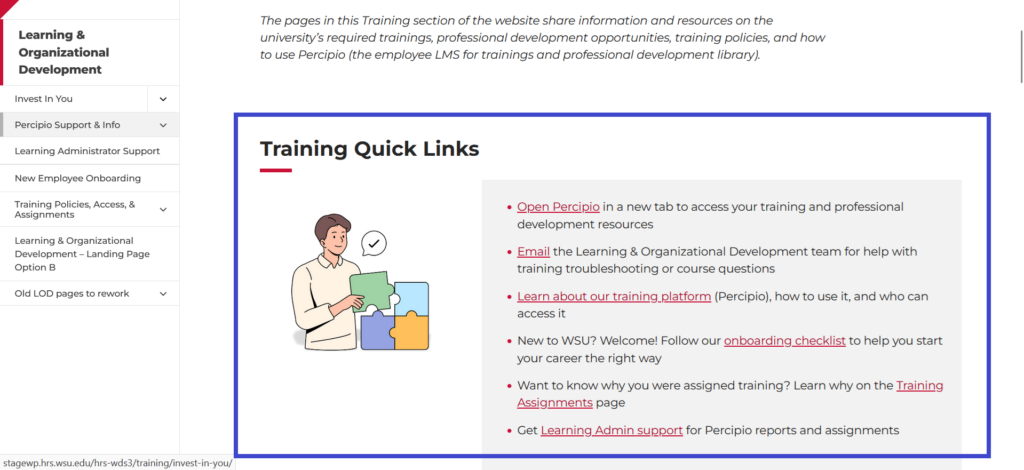
Table of Contents
Purpose: Jump to content in the page
List of H2 and H3 headings used on the page. Links directly to the relevant heading.
Use when there is a lot of content on the page to help visitors quickly get to the content they need.